 Scootlings
Screen pets that live on your phone
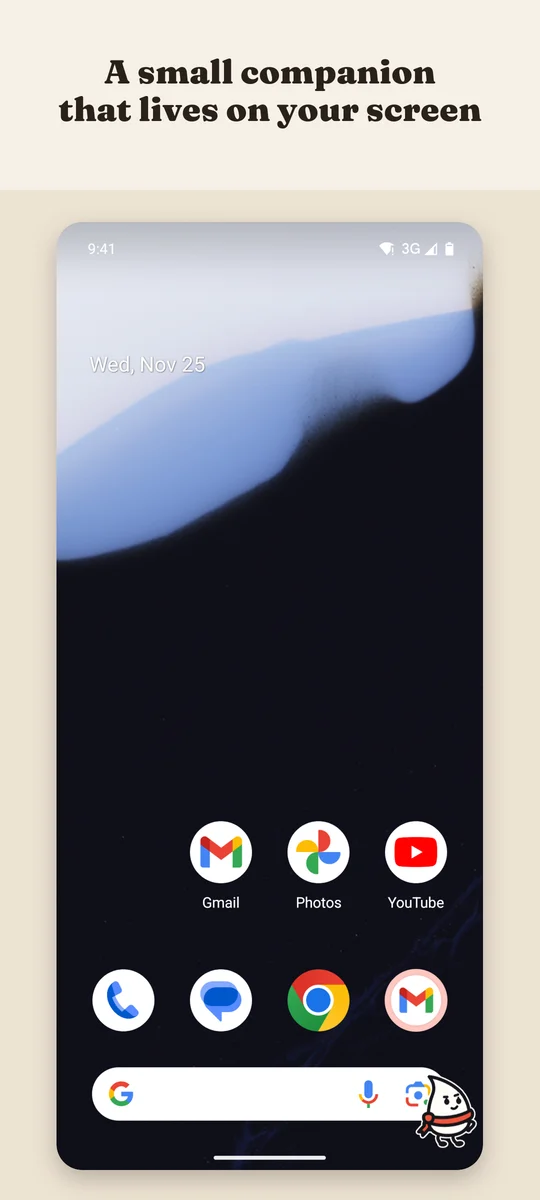
Scootlings are small, hand-drawn pets that walk along the edges of your screen, climb the side walls and even nap on them while you use your other apps. A desktop pet for your phone, with a cozy room and a home screen widget.
- No ads
- No account
- Hand-drawn, never AI
- 18 characters
- Home screen widget

What your pets do
Each pet is a tiny companion that goes about its day on the edges of your screen. It only takes up its own small space, so the app underneath keeps working around it.
Walk the bottom edge
They stroll along the bottom of your screen, over whatever app you have open, each with its own walk.
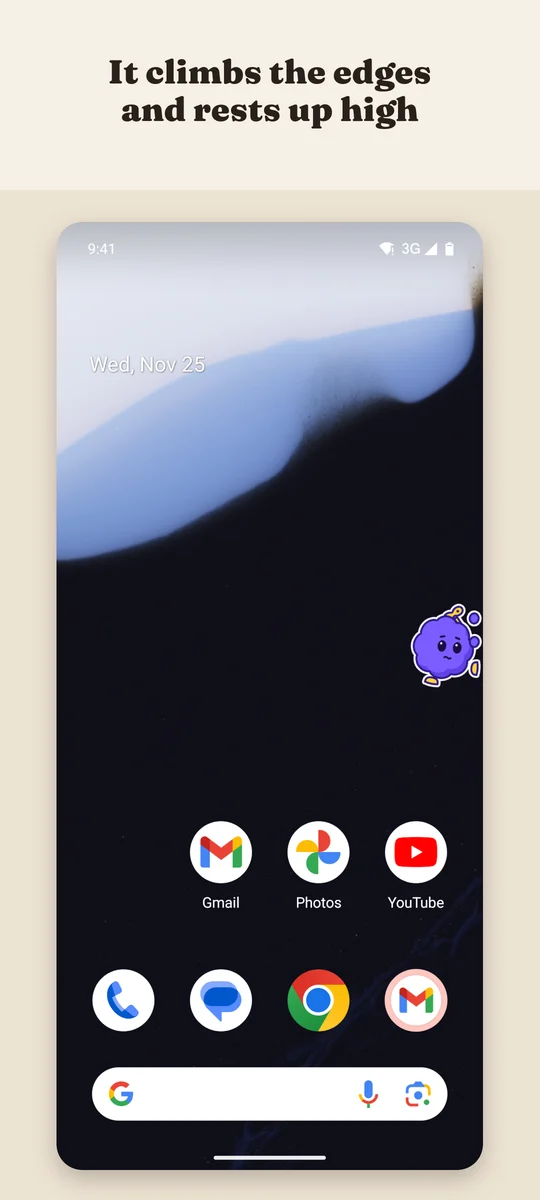
Climb the walls
They climb up the side walls of your screen and cling there for a while before they hop down.
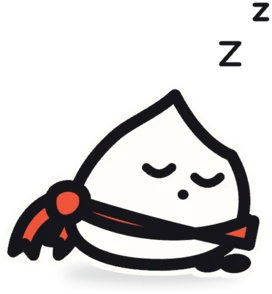
Nap anywhere
They sit, stretch, yawn and fall asleep when they get tired, even clinging to a side wall. You choose their sleep hours.
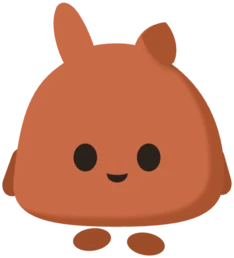
Drag and throw
Pick a pet up and put it anywhere, or throw it: it tumbles, catches on a wall or lands. Some of them float gently down instead of falling.
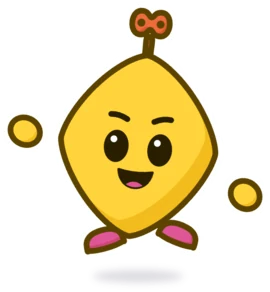
Tap to say hi
Tap a pet and it reacts. Every character has its own moods and its own way of answering.
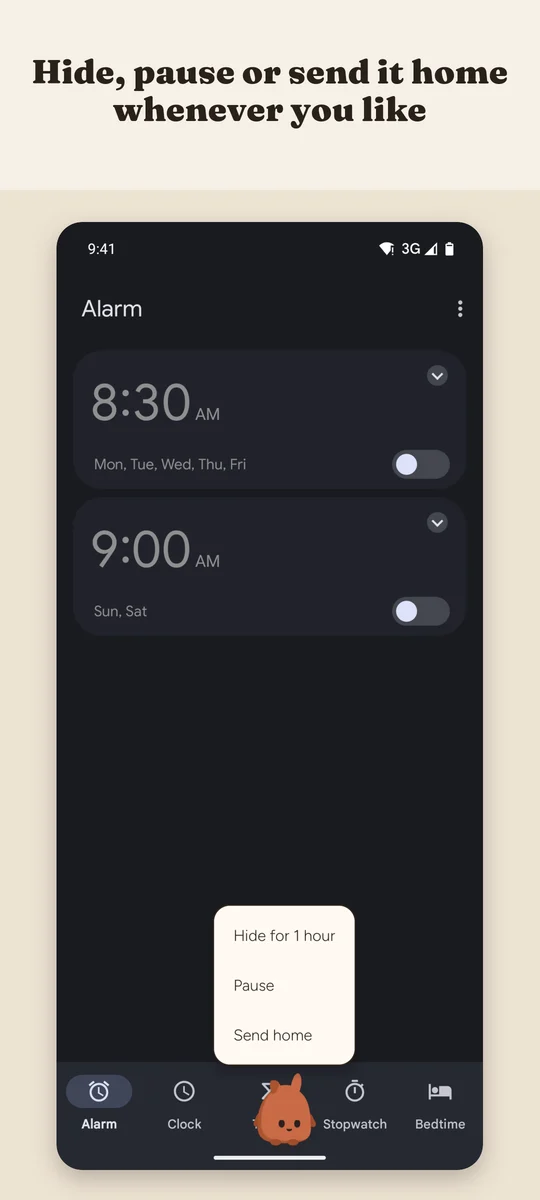
Long press for a menu
A small menu with Hide for 1 hour, Pause (Wake up when paused) and Send home, for meetings, games and videos.
See it on a phone
Screens from the app.
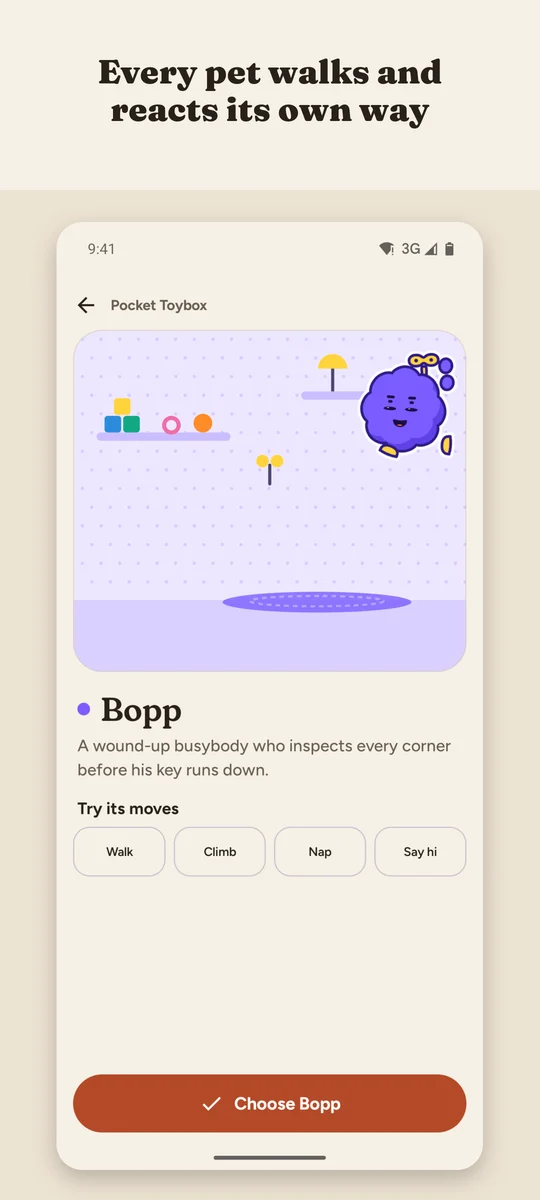
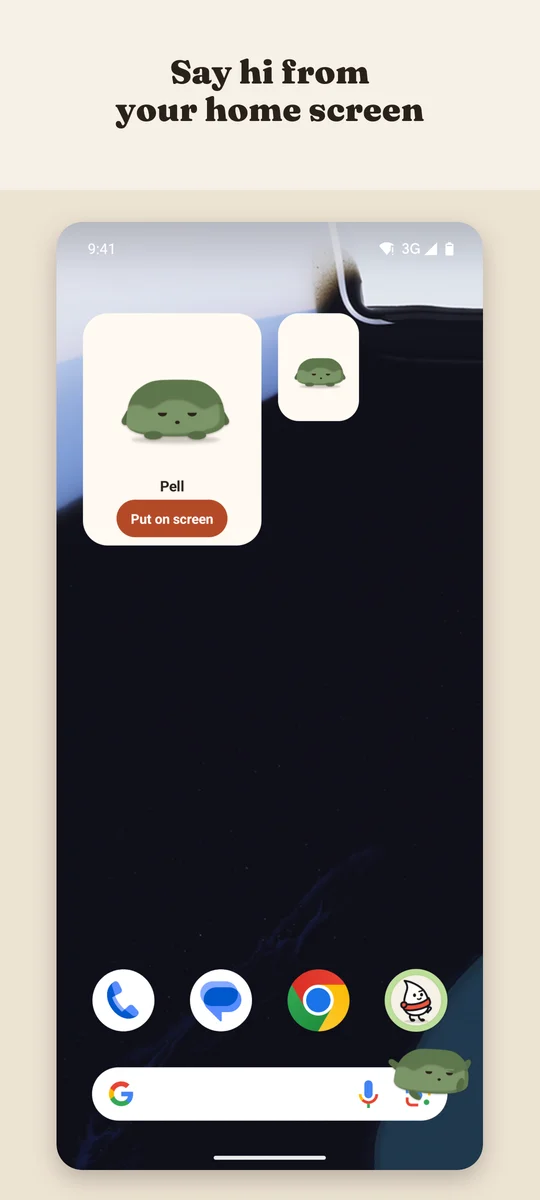
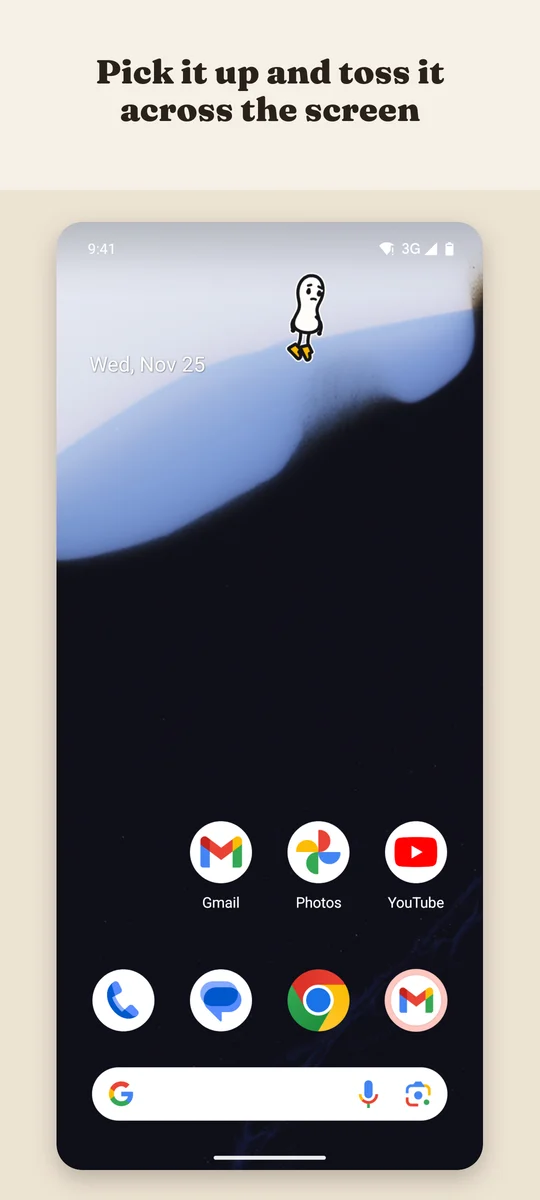
Eighteen characters, three collections
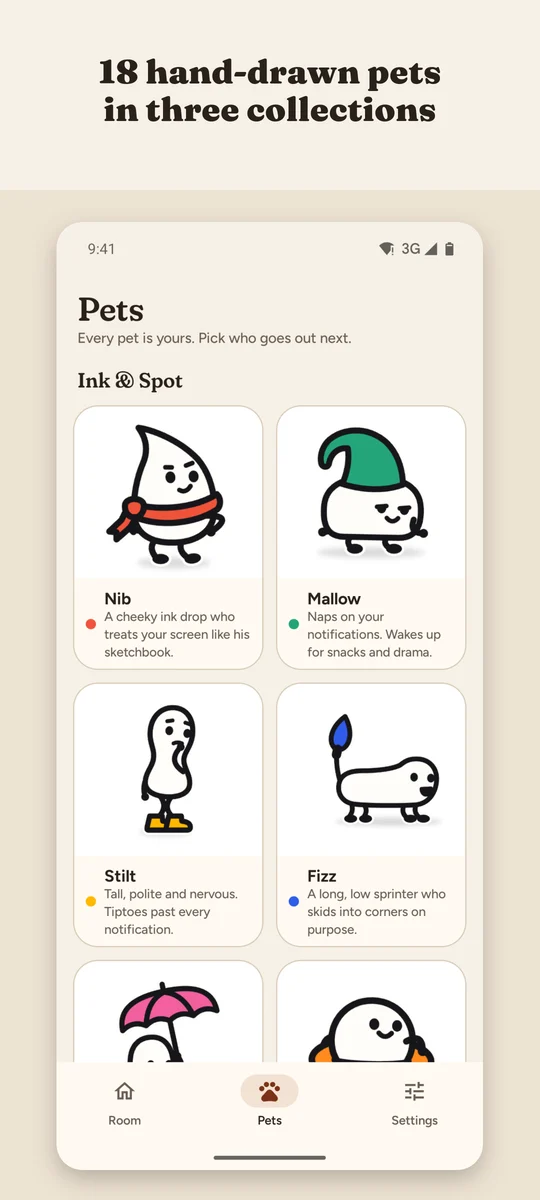
Every character is original, drawn and animated by hand. Nothing in the app is AI generated. Each one has its own walk, its own moods and its own way of reacting.
Ink & Spot
Inky little doodles, each with one bright colour.
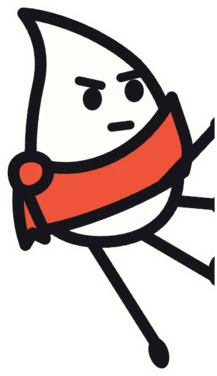
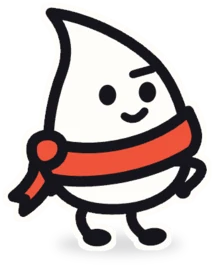
- NibA cheeky ink drop who treats your screen like his sketchbook.
- MallowNaps on your notifications. Wakes up for snacks and drama.
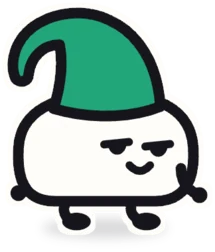
- StiltTall, polite and nervous. Tiptoes past everything.
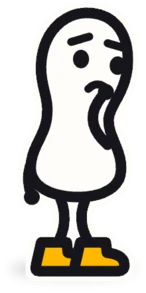
- FizzA long, low sprinter who skids into corners on purpose.
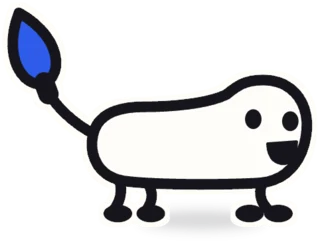
- PuddleCalm and tiny. Carries an umbrella, just in case your screen rains.
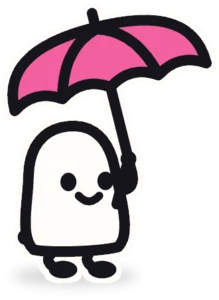
- BuoyNever falls. Only floats down, in an orange life ring.
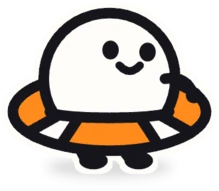
Gouache Pocket
Soft painted creatures that look cut from paper.
- TuckAn unhurried homebody who finds the warmest corner of your screen.
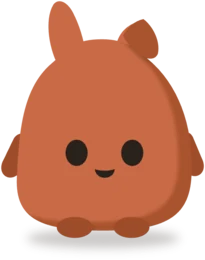
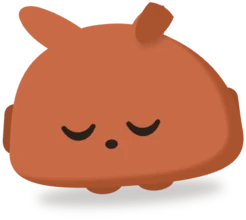
- PellFreeA heavy-lidded plodder who naps mid-walk and is never in a hurry.
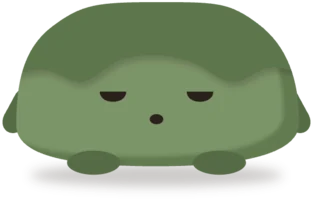
- KipA nosy busybody who peeks at every corner in tiny quick steps.
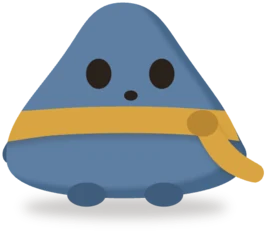
- LuneA stretchy lounger who drapes itself over the edges of your screen.
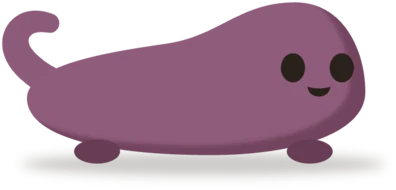
- PosyA quiet pink bean who never leaves home without her parasol.
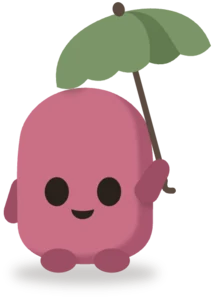
- ClemA paper-lantern puff who bounces about and drifts down instead of falling.

Pocket Toybox
Bouncy wind-up toys with tiny keys.
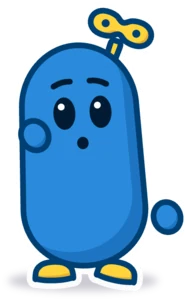
- BoppMust inspect every corner of your screen before his key runs down.
- TockTall, earnest, a bit clumsy. First to fall, first back up.
- HummoA slow, solid homebody who parks by the dock and hums.
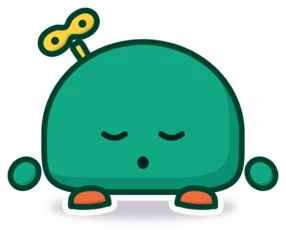
- ZipA fizzy little top that never walks when it can bounce.
- PimA quiet little marshmallow who keeps you company and never fusses.
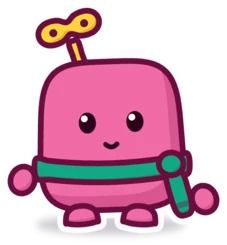
- HuffA slightly overinflated show-off who floats down like he meant to.

A room and a home screen widget
Your pets do not need the overlay to be good company. On low-memory (Android Go) phones, this is where they live: in the room and on the widget.
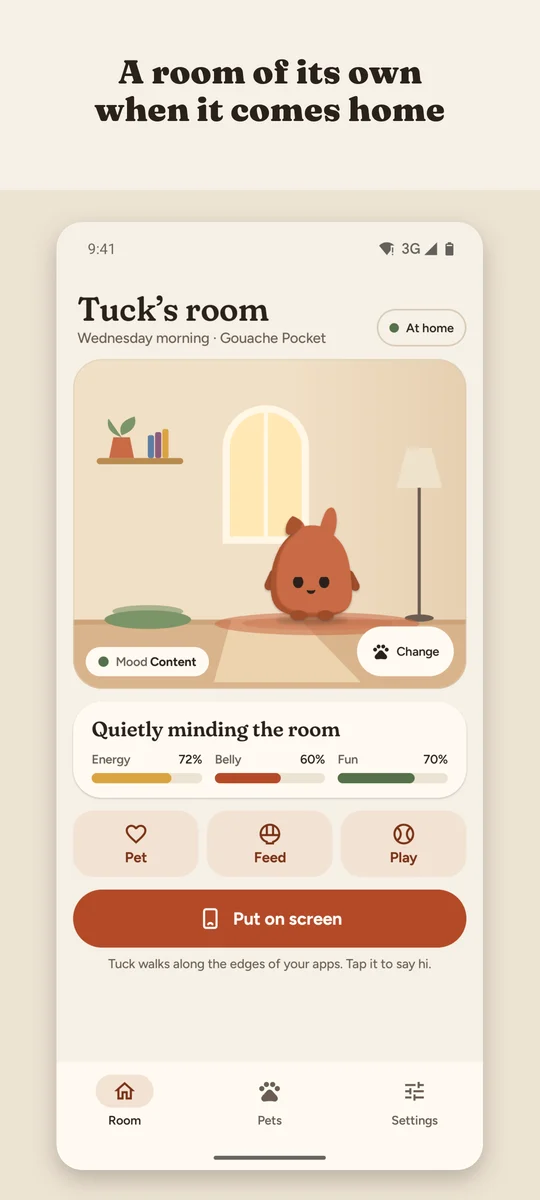
Their own room
When your pets are not out on your screen, they wait in their room inside the app. Visit your virtual pet there, give it a tap and watch it go about its day.
A pet widget
The widget comes in two sizes. It keeps a pet on your home screen and sends it out onto your screen with one tap.
Settings that matter
Pet size small, medium or large; 60 or 30 frames per second; sleep hours; sounds (off by default on screen) and haptics strength. "Stay near the top" keeps resting pets in the upper part of the screen, away from your keyboard.
What is free and what Pro adds
No ads, ever, in either version. Pro unlocks characters; every feature works the same with the free pet. Nothing expires and no pet needs feeding to stay with you.
Free
- Pell, the sleepy moss-green loaf, with everything that makes a screen pet
- On screen over your other apps
- The room and the widget in both sizes
- Every setting and every stop control
- No time limit, no ads, no account
Scootlings Pro
- All 18 pets in the three collections
- Every new pet we add later
Weekly or yearly
In the US: $2.99 per week, or $19.99 per year with a 7-day free trial. Google Play shows your local price before you buy. Subscriptions renew automatically until you cancel, and you can cancel anytime in Google Play under Payments & subscriptions. Details in the Terms of Use.
Permissions, explained plainly
Scootlings asks for as little as it can, and tells you why.
Display over other apps
To let your pets walk on top of your other apps, Scootlings asks you to turn on Android's "Display over other apps" permission in Settings. The app shows you a short explainer first, then opens Settings: find Scootlings in the list and turn on "Allow display over other apps".
- Used only to draw the pets
- The pets never read, record or share anything on your screen
- Without it, your pets still live in the room and on the widget
The ongoing notification
While a pet is out, Android shows an ongoing notification, for example "Pell is on your screen". That is how the app keeps your pet on screen while you use other apps. It runs only while a pet is out and never starts on its own.
Stop or hide them at any time:
- Notification: Pause (or Resume), Hide for 1 hour, Bring home
- Long press a pet: Hide for 1 hour, Pause (or Wake up), Send home
- Quick Settings tile "Pet on screen": one tap
- In the app: one tap
Everything the app asks for
- Display over other apps: to draw the pets
- Foreground service (special use): to keep a pet on screen while you use other apps
- Notifications: for the ongoing notification and its buttons
- Vibration: for haptics, with a strength setting
- Internet and network state, Google Play Billing: only for Scootlings Pro purchases
What Scootlings never asks for
- Accessibility services
- Your location, contacts, camera, microphone, photos or files
- Usage access or a list of your installed apps
- The advertising ID
- Starting at boot or keeping your phone awake
Questions
Can Scootlings see what is on my screen?
No. The "Display over other apps" permission only lets the app draw the pets on top of other apps. The pets never read, record or share anything on your screen, and the app never uses Accessibility services.
Is it really free?
Yes. Pell is free to keep with no time limit and no ads: on screen over your apps, in the room and on the widget, with every setting. Scootlings Pro is optional and unlocks characters only: all 18 pets in three collections and every new pet we add later.
Why is there a notification while my pets are out?
Android requires an ongoing notification while an app keeps something on screen over other apps. It says which pet is out (for example "Pell is on your screen") and gives you Pause (or Resume), Hide for 1 hour and Bring home buttons. If you turn notifications off, the pets still work, and you can stop them from the app, the "Pet on screen" tile or the long press menu.
Will the pets get in the way?
Each pet is a small window the size of the pet, so taps next to it reach the app underneath. Turn on "Stay near the top" to keep resting pets away from your keyboard. For games, videos or meetings, long press a pet and pick Hide for 1 hour or Pause, or send it home from the notification or the Quick Settings tile.
Does it work on every phone?
Pets over other apps need Android's "Display over other apps" permission. On low-memory (Android Go) phones Android does not allow it, so there your pets live in the room and on the widget only.
What happens when my screen is off?
The pets stop moving when the screen is off or locked and carry on when you unlock your phone. They do not appear on the lock screen, and the app does not keep your phone awake.
Can I use my own characters?
Not in this version. Scootlings has its own original cast of 18 hand-drawn characters. It is inspired by the classic shimeji style desktop mascots, but it does not import character packs.
Do I need an account?
No. There is no sign-in. Your pets and settings stay on your phone. Purchases go through Google Play, and RevenueCat confirms whether Pro is active. See the Privacy Policy.
How do I cancel Pro?
Open the Google Play Store app, tap your profile, then Payments & subscriptions, then Subscriptions, and cancel Scootlings Pro. Pro stays active until the end of the period you have paid for. Uninstalling the app does not cancel a subscription.
A tiny companion for your screen
Meet Pell for free, then bring the rest of the cast home whenever you like.